InfoTrack handles all three in one workflow — no entering the same info twice, no portal-hopping, no chasing updates.

InfoTrack Intelligence reads your documents and fills the form automatically. For eFiling and service of process.

95% of fields auto-filled
You barely touch the keyboard.
Documents to done in 30 seconds
For filings and service orders.
Under 5% rejection rates
Right the first time.
.png?width=1600&height=1200&name=InfoTrack%20Intelligence%20Mockup%20(1).png)


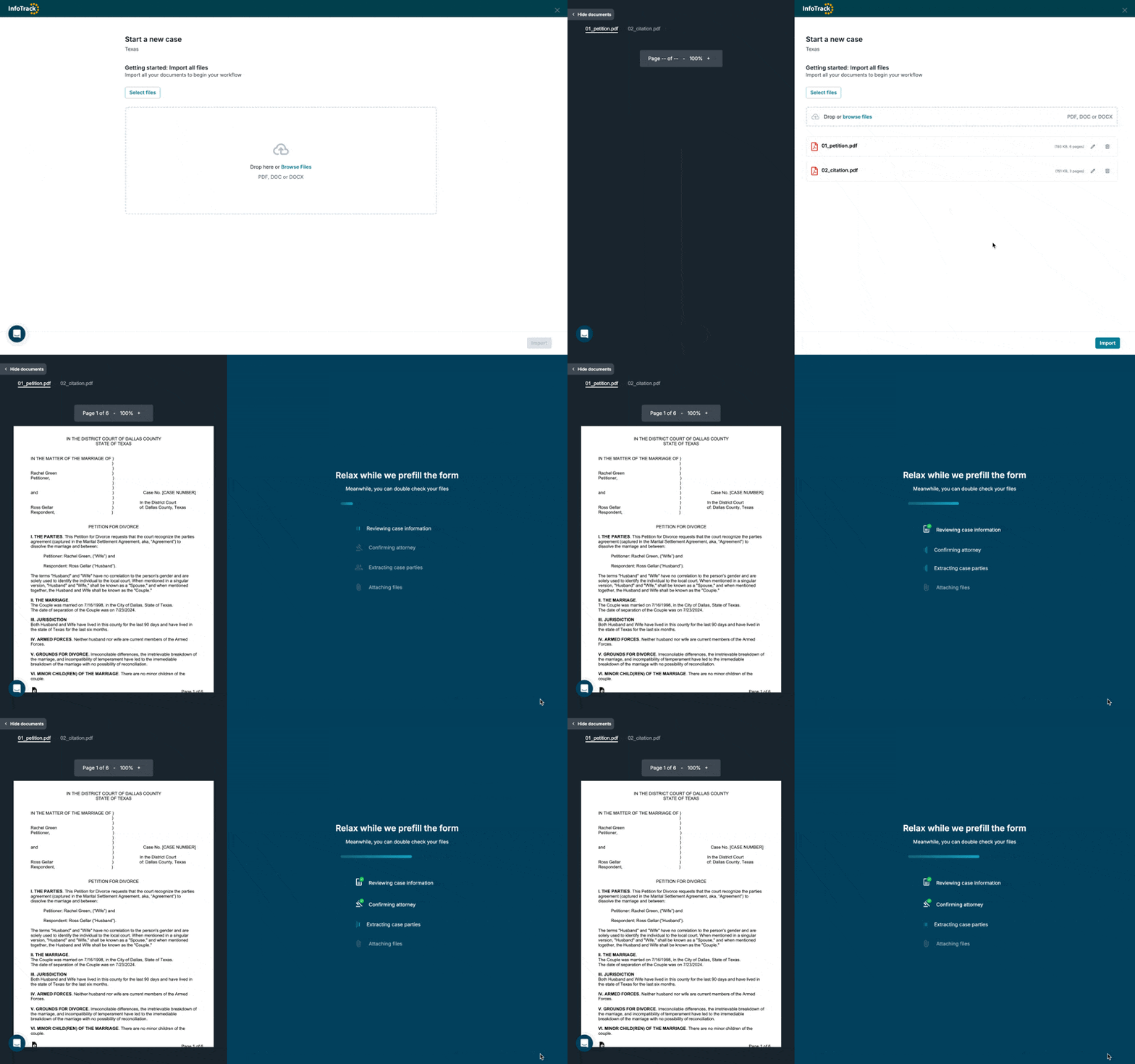
InfoTrack Intelligence reads your docs and fills the order form automatically. You just review and submit.
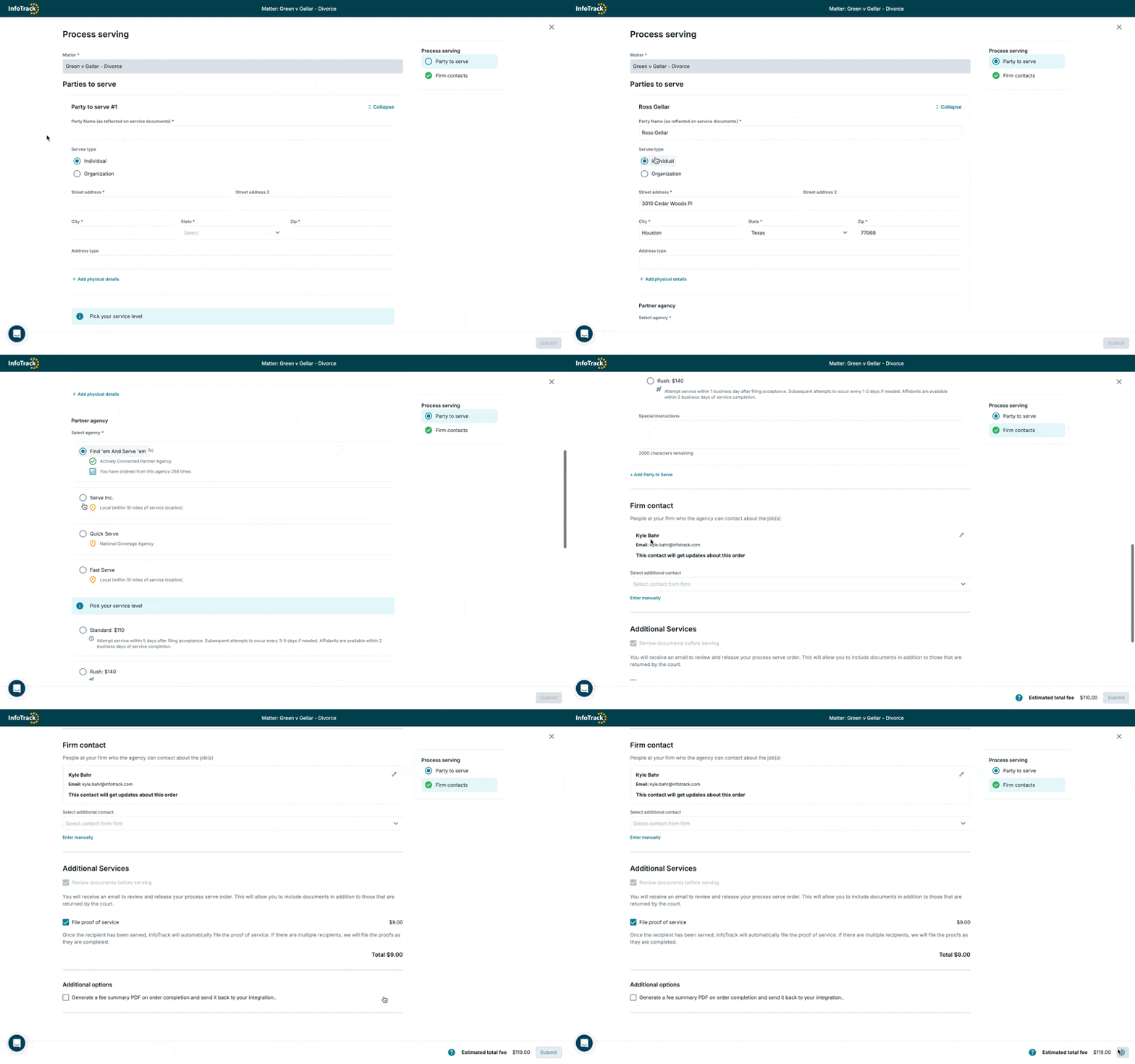
Choose the party. Choose your process server. Choose your speed. And if you want, we'll file the proof of service for you.
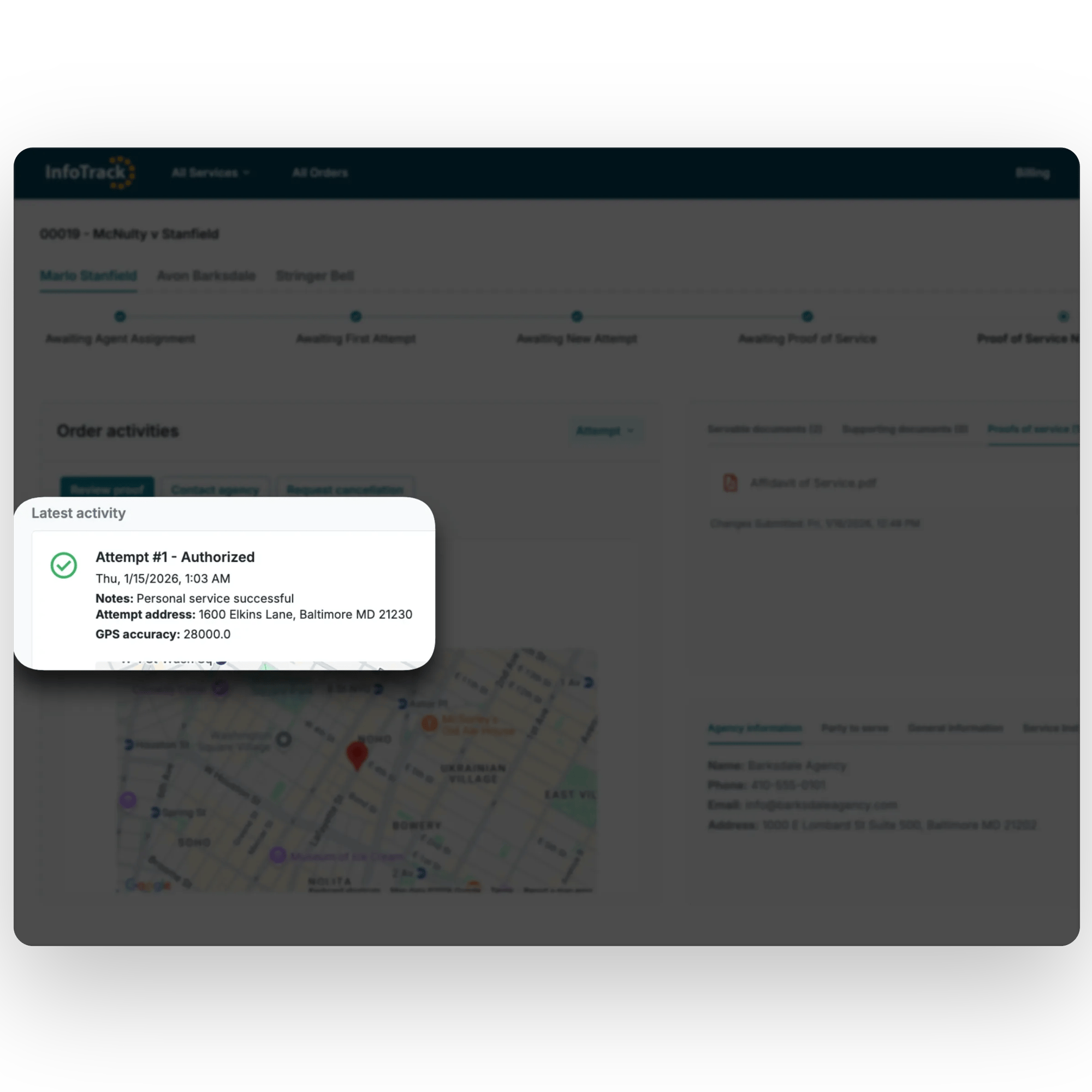
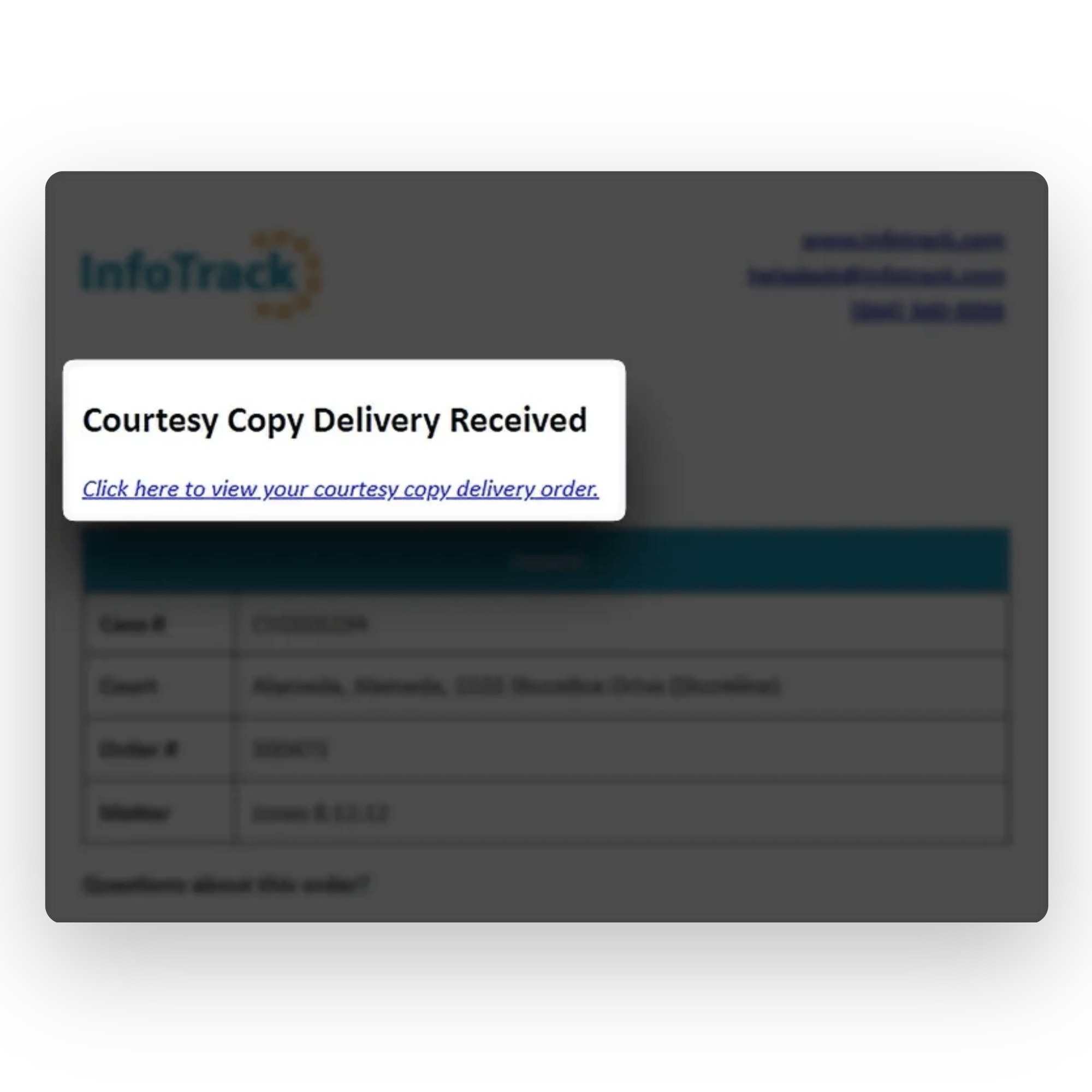
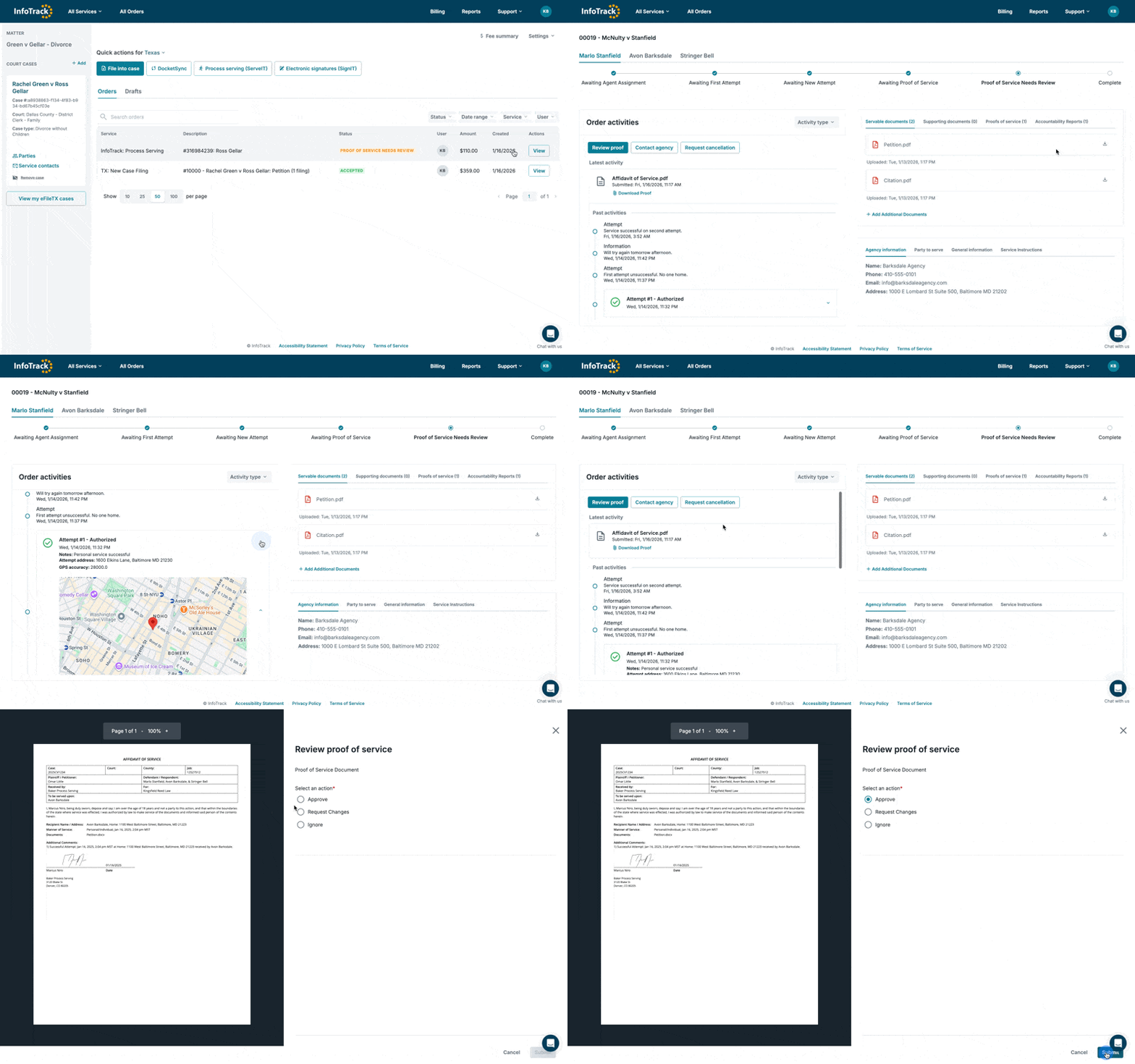
Real-time updates on filings and service, from submission to completion. Everything visible. Nothing to track down.
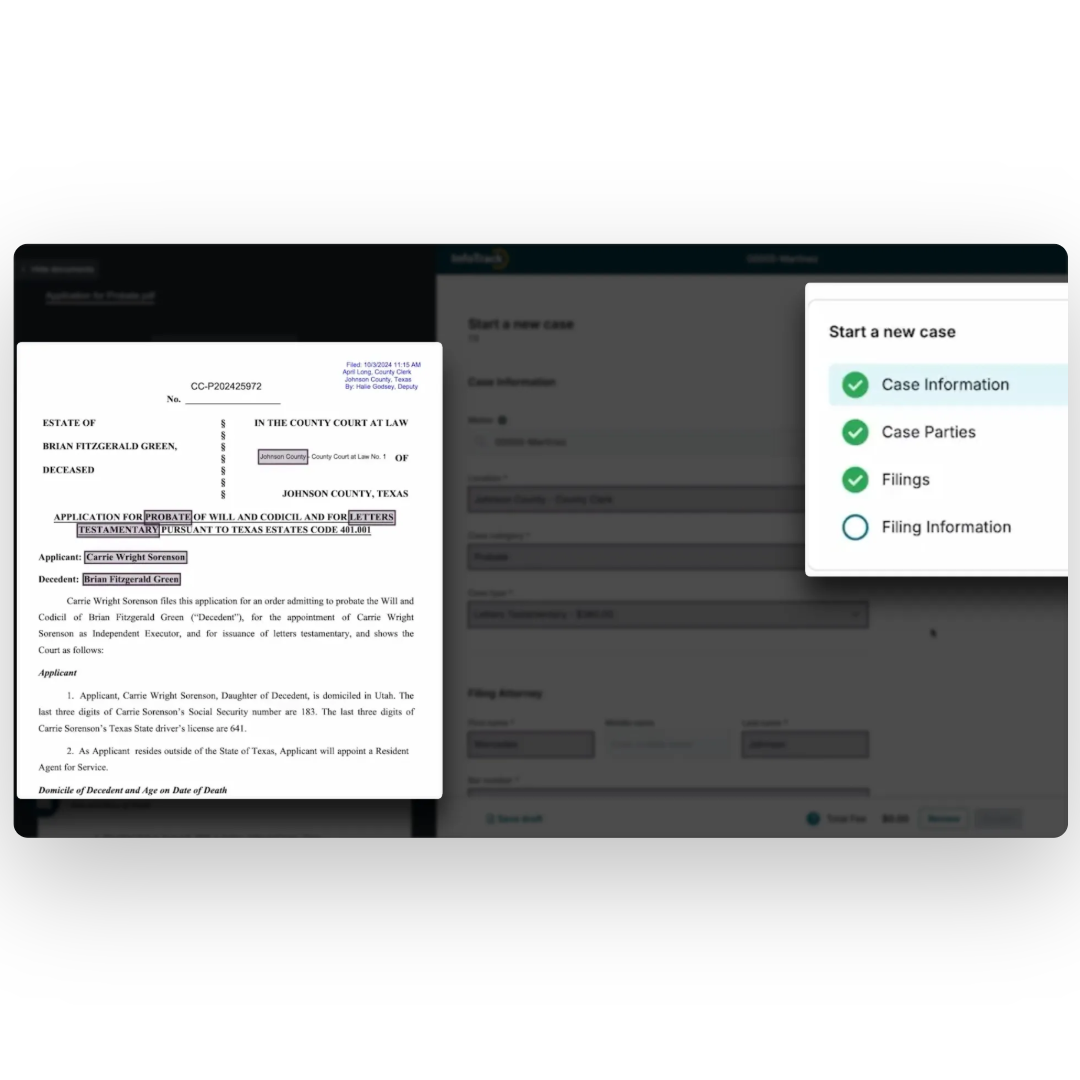
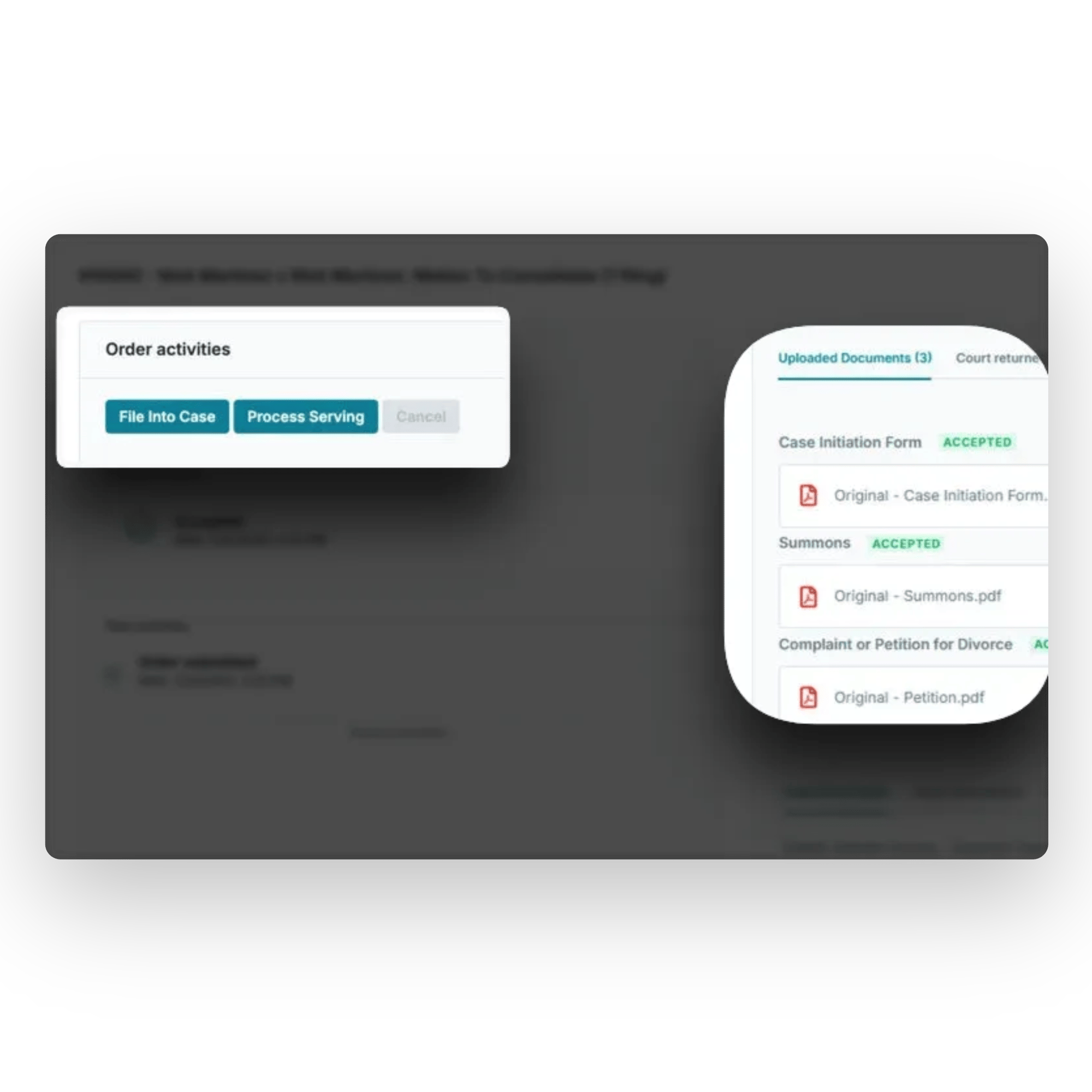
Select the documents you want to file — one or many. InfoTrack prepares them to meet court requirements and submits them on your behalf.

Court-ready formatting handled automatically
Key details pulled from your documents and matter
Submissions completed in minutes, not hours


.png)
When deadlines are tight, waiting is not an option. InfoTrack’s support team answers fast, understands court workflows, and stays with you until the issue is resolved.
Calls answered in an average of 22 seconds
8,600+ support requests handled in a year
97.5% SLA performance across filings and services
Knowledgeable support that understands courts, not just software
.png?width=1240&height=1223&name=Screenshot%202026-01-29%20165337%201%20(1).png)