.png?width=765&height=430&name=Blog%20header%20templates%20(39).png)
AI adoption is taking off among legal professionals. As many as 69% of legal professionals surveyed for the 2026 Legal Industry Report from 8am MyCase reported using generative AI tools for work-related purposes and Goldman Sachs estimates that 44% of legal tasks could be automated by AI.
If you’re not yet implementing AI in your firm, you may worry that you’re falling behind, but taking your time has its advantages. Before going all-in on AI, you should have a firm-wide AI policy in place to prevent costly mistakes caused by inappropriate use of AI or overconfidence in what AI can do.
A comprehensive AI policy can reduce risk by establishing a governance structure to ensure of oversight of AI use, outlining acceptable ways to use AI safely and responsibly, and providing clear security guidance to maintain proper controls and safe data management. With an AI policy in place, you can be more confident that you and your team are using AI in a way that can support your work without introducing risk.
What is an AI policy?
An AI policy is a set of rules and procedures that define how AI can be used within an organization. A comprehensive AI policy should include a governance structure that assigns responsibility and processes for the oversight of AI, an acceptable use policy that identifies acceptable tools and appropriate use cases for them, and an IT security policy to ensure data is protected and internal systems remain secure.
AI governance
Your AI governance structure should identify who is responsible for approving AI tools and creating and updating the policies that determine how they will be used, as well as the processes by which AI-generated work will be reviewed and by who. Governance should include a process for responding to incidents that arise from the use of AI, both managing the risk, correcting any errors, and updating policies to prevent such an incident in the future.
Acceptable use
Acceptable use policies should include both approved tools and approved use cases for those tools. Based on vendor vetting, testing, and ethics guidance, you should be able to identify the primary purposes a tool can be used for, as well as prohibited uses that are too risky for the work your team is doing. Acceptable use guidance may need to be updated regularly as tools add new functions.
IT security
Your policy should include vetted and approved tools, a system for managing who has access to each tool, and guidelines for keeping data secure across the firm, inside and outside of AI tools.
Why every law firm needs an AI policy
While most legal teams are implementing AI in their work, a full 43% of them have no policy in place to govern AI use — and no intention of creating one. It’s no wonder 46% of respondents did not consider their firms prepared for the changes generative AI will bring to the legal industry over the next 5 years. Many firms are using AI before they’re ready to, and that creates the circumstances for AI-related errors and misuse.
Increasing AI adoption
Most lawyers are using AI, so it’s likely that members of your team are already using AI tools, whether you know it or not. Establishing an AI policy allows you to take the reins of AI use in your firm and ensure that your firm is not exposed to malpractice claims, fines, or other disciplinary action as the result of AI misuse.
Client expectations
Law firm clients are becoming more comfortable with their legal teams using AI, but that doesn’t mean the pressure is off. Your clients may be ok with you using AI tools, but usually with the expectation that you will be transparent about their use — and even pass along some of the savings you realize from AI-supported efficiency. You need to have a strong understanding of AI use within your firm in order to adequately disclose this use to your clients.
Regulatory uncertainty
While the United States lacks federal AI regulations, states are creating their own — see the Texas Responsible Artificial Intelligence Governance Act (TRAIGA) or California's AI Transparency Act. Your AI policy can incorporate relevant local laws into guidance for your team so you remain in compliance with the law, even as regulations shift and new legislation is enacted.
Ethical obligations
While AI regulation is lacking on the national level, the American Bar Association has issued a formal opinion on AI use by attorneys. Your AI policy can combine this opinion with guidance from your local bar association to create clear ethical guidelines your team can follow.
Data security
Legal teams could violate their duty to their client if they were to upload a client’s confidential information, attorney-client privileged communications, or personally identifiable information into AI tools that will then use that data to further train the model. Other confidential firm information could also be at risk if a team doesn’t understand how a tool is using the information they submit. Legal teams should be fully aware how a tool uses, store, and deletes data before using it.
Consistent workflows
If every member of a team is using the same tools in the same way, senior members are better able to provide the necessary checks and oversight to ensure no AI-related mistakes make it to the court.
What should an AI policy include?
A good AI policy covers all the questions team members will have about using AI tools in the firm.
- Purpose and scope: What is this policy intended to govern and protect, and who must comply?
- Approved tools: Which tools has your team vetted and approved for use within the firm, and how do team members request access?
- Permitted and prohibited uses: What uses are suitable for the tools you’ve approved and the work you do? What uses of approved tools are too risky?
- Human review requirements: Who will be responsible for reviewing AI work product and what will the review process involve?
- Confidentiality rules: What client information can be shared with your approved tools, and what information cannot be exposed to AI under any circumstances?
- Security requirements: What steps should team members make to ensure their equipment is secure and that their use of AI does not expose firm data?
- Client disclosure: How should team members inform clients about the firm’s use of AI tools. This can include a formal disclosure to be included in client contracts as well as talking points to help your team explain their AI use and answer client questions.
- Response procedure: If something goes wrong with an AI tool or AI-supported work product, how will the firm respond?
How to build an AI policy
An AI policy should be tailored to your firm and the uses your team has for AI tools. Start simple and expand your policy as required. Rather than overwhelming your team with lengthy documentation covering unfamiliar tools and use cases, focus on providing useful guidance relevant to the work your team is doing and the tools they’re already familiar with. Include guidance for testing new tools and requesting access to them, and adjust your policy when new tools are added or updates are made to regulations or the tools themselves that will impact your team.
Step 1: Assess how AI is already being used
If you or your team members are already using AI tools, get a better understanding of what uses your team has for AI so you can build a policy that addresses those uses. In small firms, you can conduct interviews to get a sense of how your team is using AI. In larger firms, a survey can help you see what uses of AI are popular among your team. This approach will help ensure your policy covers the most likely use cases—and the risks associated.
Step 2: Identify firm-specific risk
The risks of AI use can vary by practice area, firm size, or other unique factors. For example, your existing IT security practices may impact whether your team can use AI tools without risking exposure of sensitive information. A large firm may be more at risk of team members using unauthorized tools. And your practice area may inform what kinds of sensitive data you most need to protect. A personal injury firm will need to focus on protecting medical record data, while a family law firm may give special attention to protecting the personal information of minor children.
Step 3: Choose approved AI tools
Whether your team already has preferred tools or not, your policy should clearly list which tools are approved for use. And to approve tools for use, you’ll need to know what the tool does, as well as what data it's trained on, what data it collects and how it uses, stores, and deletes data.
You also need to know who has access to the data your team uploads to the tool, what security protocols are in place to prevent unauthorized access to data in the system, and how the vendor responds to breaches. Other factors you should consider include the tools hallucination rate, overall accuracy, and the contractual terms that determine whether the tool offers potential benefits worth what it will cost your firm.
Step 4: Define acceptable use
Once you know how each tool you want to use works, you’ll need to suggest the best use cases for your team and impose limits to prevent use of the tool that is likely to introduce the risk of error or compromised data. Don’t just take a vendor’s word when deciding what a tool can be used for. Consult relevant laws, AI regulations, ethics opinions, and your own existing policies to determine what uses you can legally and ethically allow within your firm.
Step 5: Establish review procedures
Decide what the process will be for reviewing AI-assisted work and who will ultimately be held accountable for ensuring the work is free from errors. The attorney who approves AI-augmented work will be considered the responsible party in the case of any mistakes. Make the process as specific as you can so team members aren’t left to guess whether they are taking appropriate measures to check their work.
Step 6: Train employees
The best way to ensure your team adheres to your AI policy is to provide adequate training. Make sure they understand the policy and how to use the tools themselves so they can apply the policy directly to their use of AI tools. Even team members who are reluctant to use AI tools or don’t plan to use them at all should be included in the training. The more members of your team understand how to use AI tools in compliance with your policy, the better equipped your firm will be to spot mistakes and potential misuse before they cause a problem.
Step 7: Review and update regularly
Set a recurring review date to make sure this happens, even during busy times. When reviewing your policy, take into account any changes in tools, laws, and professional guidance. Team feedback can also help you spot any holes in your policy and correct them. And you don’t have to wait until your review date — anytime there are significant developments in AI tools or regulations, it’s a good idea to assess whether your policy should be updated to take new information into account.
Benefits of AI for litigation case management
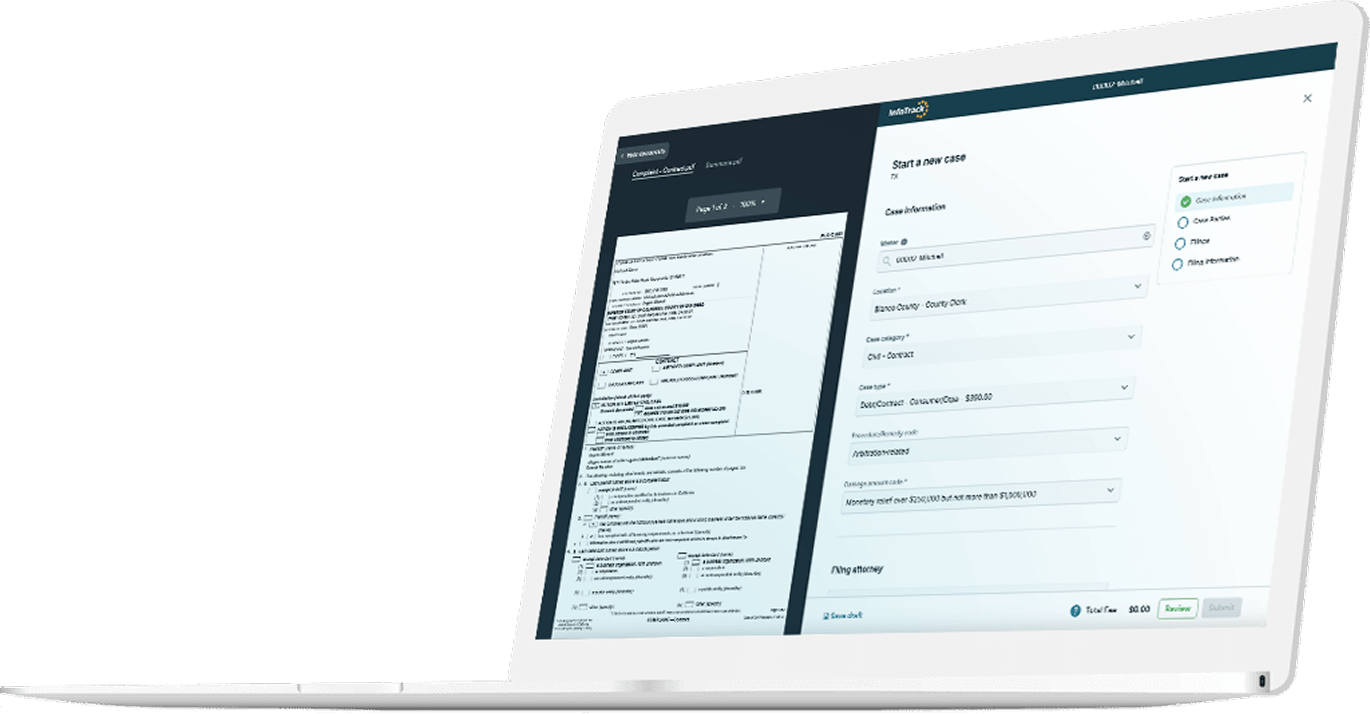
With a comprehensive AI policy in place, your team can responsibly pursue the benefits AI tools can offer to legal teams. AI tools can speed up steps in the litigation process and reduce the amount of manual labor involved in filing a case, ordering service of process, and tracking docket updates. InfoTrack uses AI to capture data from the documents users upload and autofill 95% of form fields, saving filers time and reducing the risk for data entry errors. And it all syncs back to your existing case management software, if you’re using software from one of InfoTrack’s integration partners.
Sign up for an InfoTrack account today to see how the right tech can help your team serve court documents more efficiently.
People also ask
How often should an AI policy be updated?
At a minimum, policies should be reviewed and updated annually. However, regulatory laws, new tools, and updates to existing tools may make it necessary to update policies more often. Review your policies for a potential update anytime there’s a development that could impact the tools your team uses and/or how those tools can and should be used.
Who should own AI governance?
This depends on the size and makeup of your team. In a small firm, the managing or supervising attorney may take responsibility for AI compliance. In larger firms, a senior IT team member’s technical expertise may make them a better fit to own AI policies. More and more firms are now employing a Chief Innovation Officer who can take ownership of what tech the firm uses and how, at the most senior level. You should select someone with enough technical expertise to oversee the subject matter and enough authority within the firm to enact policies that employees will follow.
Is AI allowed under the Rules of Professional Conduct?
Generally yes, but lawyers must only use AI in a way consistent with their existing ethical obligations under the ABA’s Model Rules of Professional Conduct and will be accountable for any breach of these rules made by an AI tool they’ve used. Attorneys may never compromise their duties of competence, confidentiality, communication, candor toward the tribunal, or supervision in their use of AI tools.