.png?width=765&height=430&name=Blog%20header%20templates%20(6).png)
InfoTrack’s latest integration has arrived, and this one is geared toward law firms who want superior litigation efficiency within a highly customizable practice management setup.
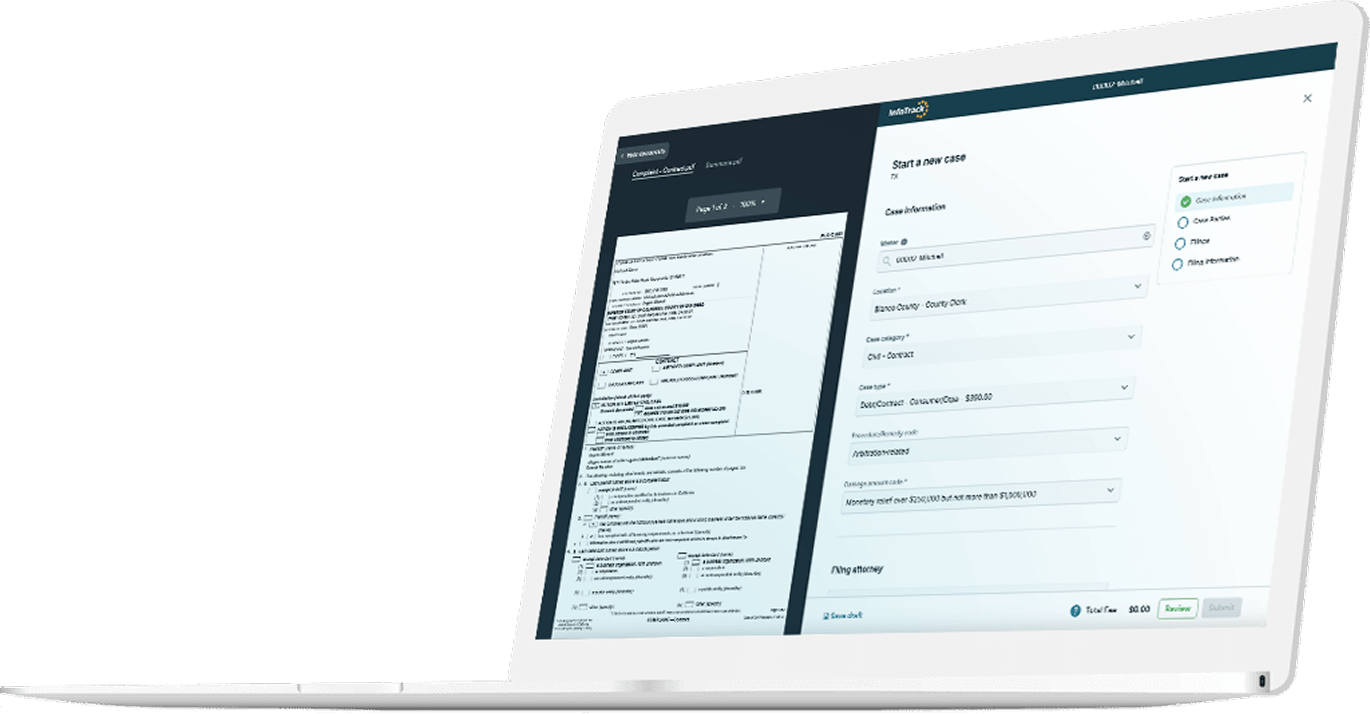
Filevine users can now incorporate InfoTrack into their case projects, allowing them to place orders directly from their practice management software. The integration allows users to have all returned documents and expenses automatically synced to the relevant projects.
As InfoTrack CEO Ed Watts stated, “This is a game-changer for firms looking to reduce rejections and other litigation errors using innovative Filevine workflows.”
What is Filevine?
Filevine is an AI-powered legal work platform offering a breadth of communication, billing, contract management, reporting and security features.
While Filevine’s user base originally centered on personal injury firms, the platform’s rapidly expanding customization capabilities have increased its popularity across many practice areas, as well as with in-house legal departments.
Filevine also has a healthy community of certified implantation partners that can assist firms in constructing a system uniquely tailored to their organizational needs.
What are the benefits of the InfoTrack-Filevine integration?
Integrating a Filevine account with InfoTrack allows savvy legal professionals to:
- File and serve court documents in under a minute.
- Have every court filing expensed to the Billing tab of the relevant Filevine project.
- Keep all versions of case documents organized inside the proper Filevine project.
- Monitor and take action on all the firm’s litigation service orders from one place.
The InfoTrack integration’s smart features greatly reduce staff time spent on menial, unbillable litigation tasks. This allows your firm to take on higher caseloads with a lower risk of burnout and fatigue.
Getting started with the integration
Skilled Filevine users and consultants can build unique implementations that are highly tailored to their firm’s operating procedures.
However, it’s also possible to get the integration running in moments by adding InfoTrack’s standard pre-built custom section to Filevine. Illustrated instructions are provided in this InfoTrack Help Center article.
Setting up a custom section in Filevine does require some permissions only available to Admin-level Filevine users. If you’d like personal assistance in getting InfoTrack’s Filevine integration activated today, click here to book a demo with the InfoTrack team.